
Android phones have become an integral part of our daily lives. We use them for communication, social media, entertainment, online classes, gaming, photography, and much more. One of the most common problems experienced by Android users is rapid battery drainage.
A phone with a healthy battery will last the whole day, but the wrong settings, heavy background apps, and unwise use patterns can make the battery discharge faster than expected. Fortunately, there are several methods to improve Android battery life.
1. Lower Brightness
The phone display consumes the largest amount of battery power. It makes sense to reduce the screen brightness to a minimum in order to improve Android battery life.
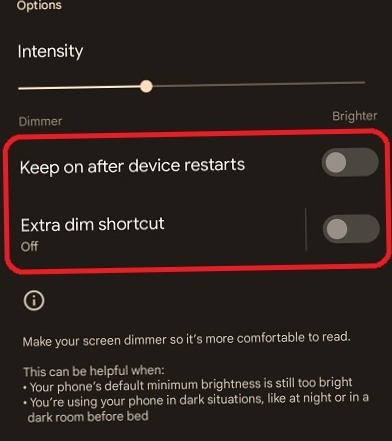
You can either manually adjust the brightness or enable the adaptive brightness setting. This feature allows the phone to automatically adjust the brightness depending on the ambient light. Turning off the unnecessary lights will help the phone consume less battery power.
2. Turn Off Always-On Display
Some smartphones offer an Always-On display feature that enables the phone to display the time and other notifications on the darkened screen. While this feature may seem useful and convenient, it will cause faster battery drainage.
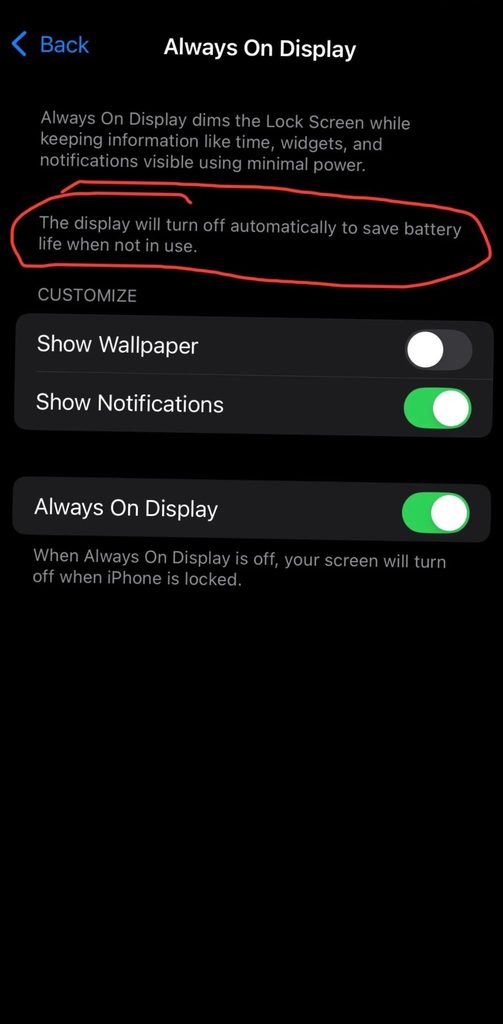
If the user does not plan on using the ‘Always-On Display’, then they should disable it from the phone settings. In most cases, the Always-On Display can be found in the phone display settings.
3. Remove Unnecessary Background Apps
Background applications residing on the RAM can slow down the Android phone and reduce its battery life. Some apps that constantly run in the background include social media, shopping, video, and other entertainment platforms. To kill these background processes, the user should do the following:
Go to
Settings → Apps → Open the Target Application → Battery.
Here the user should choose to limit the background activity of the targeted application. Depending on the phone, the background activity restriction settings would vary for applications.
4. Turn OFF Location Services
Location services are another feature that contributes immensely to battery drainage. The GPS function consumes a lot of power, especially when the user runs multiple applications that require the phone’s location services. The simplest way to improve Android battery life is by turning off the location services if the person does not need them.
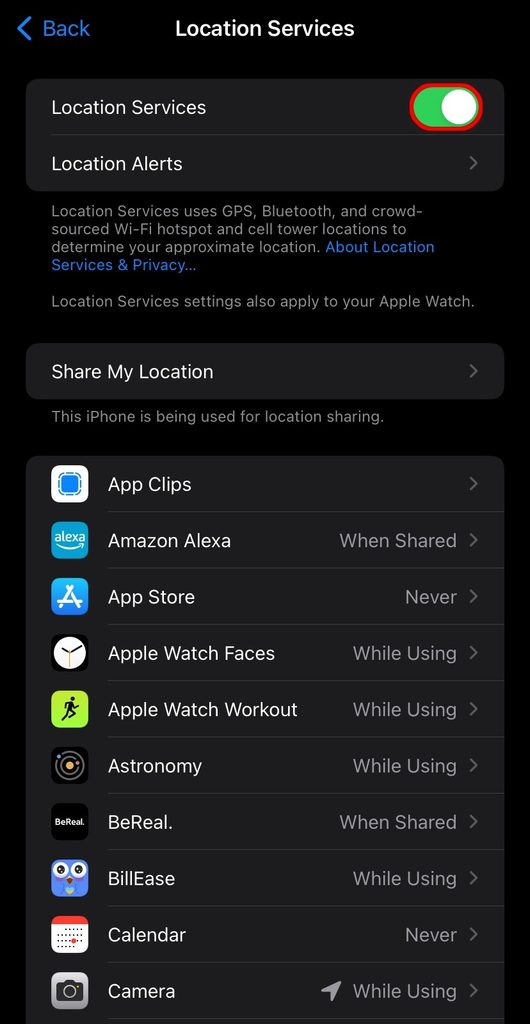
In addition, there should be no reason for keeping the GPS on unless one is using navigation services.
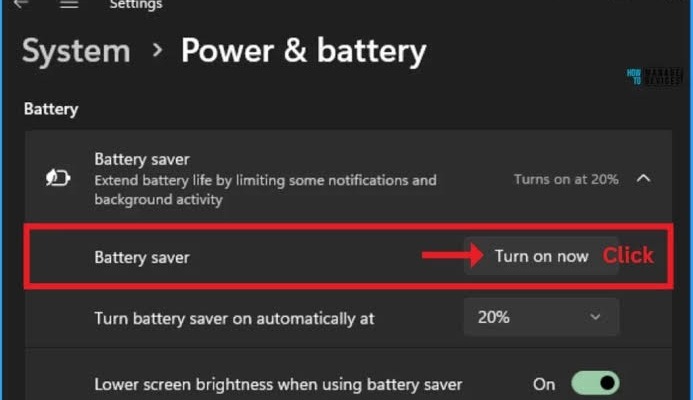
5. Enable the Battery Saver
The battery saver option is found especially on Android phones. It helps to limit background activity and throttle the applications when the user needs to extend the battery life. It is advisable to switch on battery life-saving mode in situations where the phone battery is about to finish.
6. Power Down When Not in Use
The screen timeout option dictates how long the phone will continue to display pictures before it powers off. The longer the screen timeout, the higher the likelihood of losing some of the battery power. Therefore, the user should adjust their screen timeout to something less than a minute.
7. Turn Off Unwanted Connectivity Services
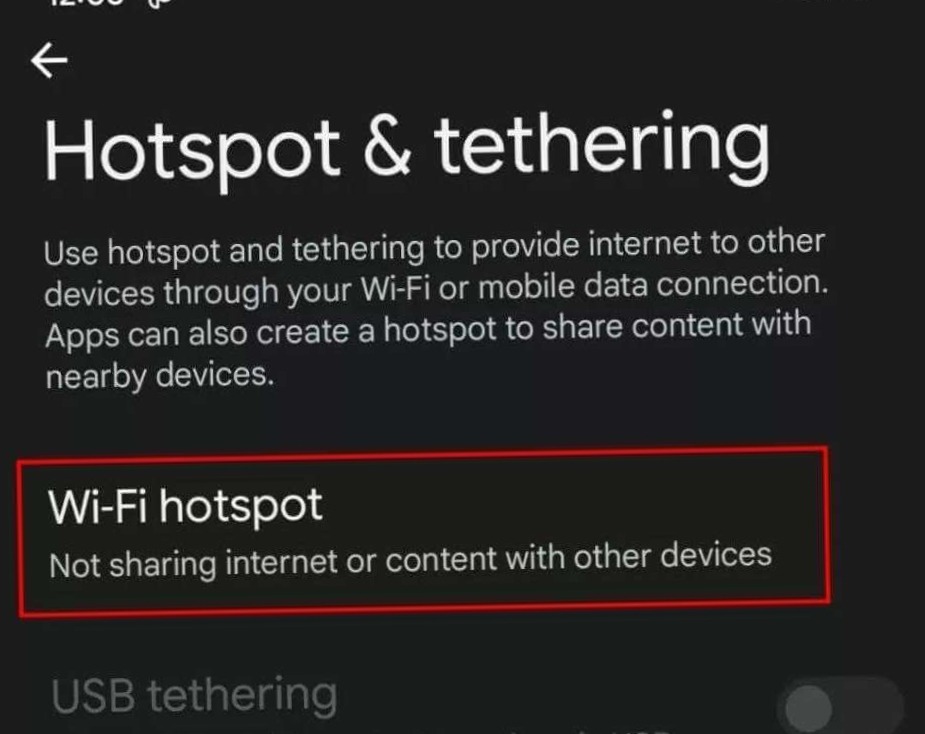
The connectivity services such as the Bluetooth, Wi-Fi scanners, NFC, and hotspot can drain the phone battery. If the user does not need any of these services, they should turn them off immediately.
For example, if one is not using Bluetooth speakers or headphones, it is wiser to turn off the Bluetooth option. The same applies to the hotspot and other short-range technologies.
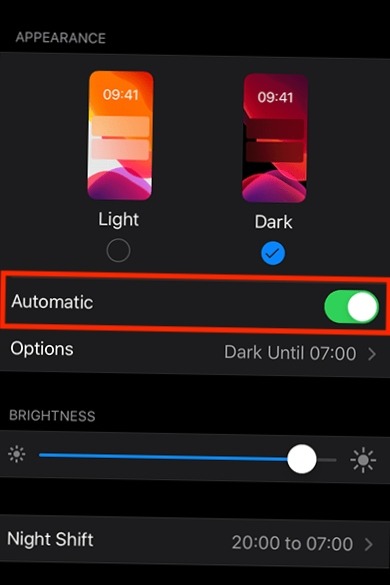
8. Use Dark Mode
Most modern smartphones support ‘dark mode’ which essentially alters the system-wide interface to a darker version. These modes consume less power, especially on the AMOLED screens since they do not require additional power to illuminate the display. In addition, dark modes make the smartphone interface more interesting.
9. Regularly Update the Apps
Updating the app improves the performance of the applications and, thus, improves the battery life of the phone. The phone applications developers are constantly updating the already existing applications. It is important to always update the applications.
Deleting the applications that one does not frequently use will also improve the battery life and ensure the phone does not have too many applications that slow it down.
10. Remove Unused Applications
In addition to removing the application not in use, the person should delete the applications that do not serve any useful purpose or function. These apps can use memory, data, and battery. Deleting these apps will clear up a lot of space and remove some of the factors that drain the battery.
11. Avoid Extreme Temperature
Extreme temperatures can tremendously affect phone battery life. High temperatures are especially harmful to phone batteries. The user should avoid leaving the phone in a hot car or under direct sunlight for long periods.
In addition, if the phone gets excessively hot while using a certain application or while charging, the best option is to let it cool down. It is crucial to ensure that the phone battery does not get damaged.
12. Lower Notification
Everytime notification sounds, the smartphone either starts beeping, vibrating, or both. These notifications may also originate from useless applications. Removing unnecessary notifications by killing the apps or minimizing the use of useless applications will help improve Android battery life.
13. Use Wi-Fi
Wi-Fi usage is an excellent way of improving Android battery life, especially when the user is in an area with a strong network. Mobile network uses more data when the signal is weak. The use of Wi-Fi has the potential to limit the amount of data consumed, especially when there are several mobile data networks in the region.
The best approach is to use Wi-Fi when at home or anywhere else where there is a stable network.
14. Lower the Highest Performance Option
Some smartphones offer higher performance options, especially on the gaming and entertainment mode. The higher performance options consume more power and cause the phone to heat up. It is always advisable to lower the highest performance option.
The only time one should consider using the highest performance setting is when they need it explicitly.
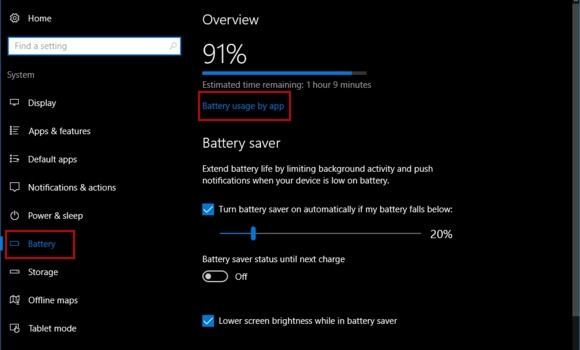
15. Check the Battery Usage
A good way of improving Android battery life is by checking the battery usage regularly. The battery usage indicator helps the person identify which applications are draining down the battery. A smartphone consumes more power on applications one uses frequently.
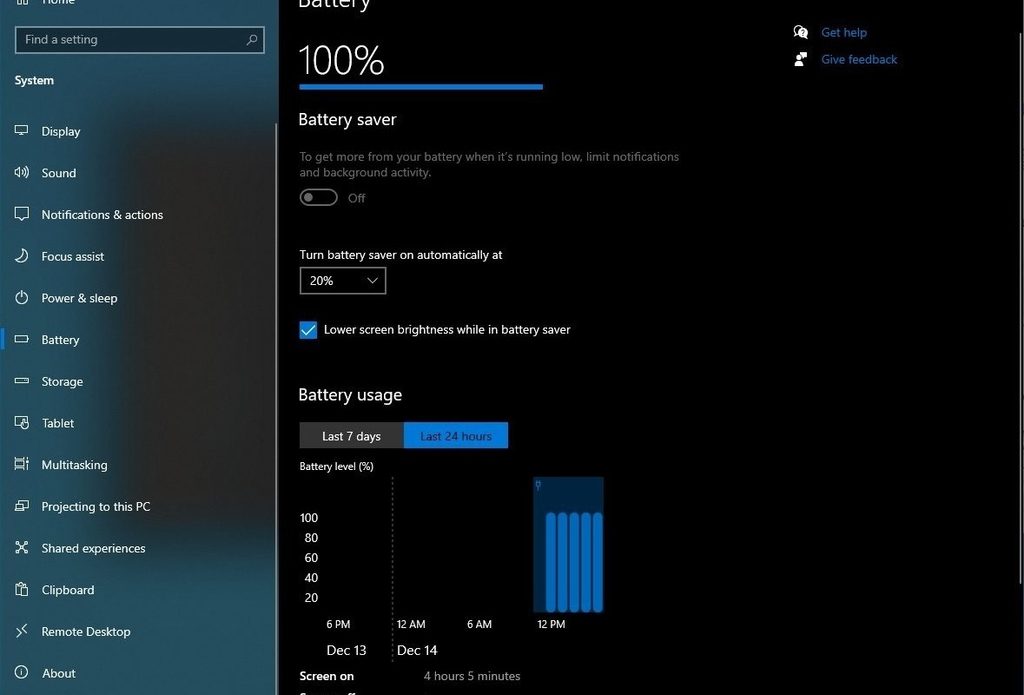
Therefore, it is advisable to limit the background activity of those apps that consume large amounts of battery. It is best to remove the apps that one cannot consciously use.
Final Thoughts
Improving battery life does not necessarily require buying a new phone with a larger battery. Any person can adjust settings and change some of the habits they have developed with time. Simple options of reducing brightness, removing background apps, limiting unnecessary notifications, and using Wi-Fi are some of the strategies that can improve Android battery life.